Your first shoe design
Start with an outline. Fill a panel, check your views and save a project you can reopen.
Start the walkthrough →Kicks Design Studio / Learn
Learn to create a shoe concept, turn photos into outlines, compare colors and prepare a clear design handoff with Kicks.
Start with an outline. Fill a panel, check your views and save a project you can reopen.
Start the walkthrough →Take consistent reference photos and turn them into a set of colorable views.
Read the guide →Give every color a job and keep material intentions separate from physical specifications.
Read the guide →Package the design clearly and identify what a developer still needs to resolve.
Read the guide →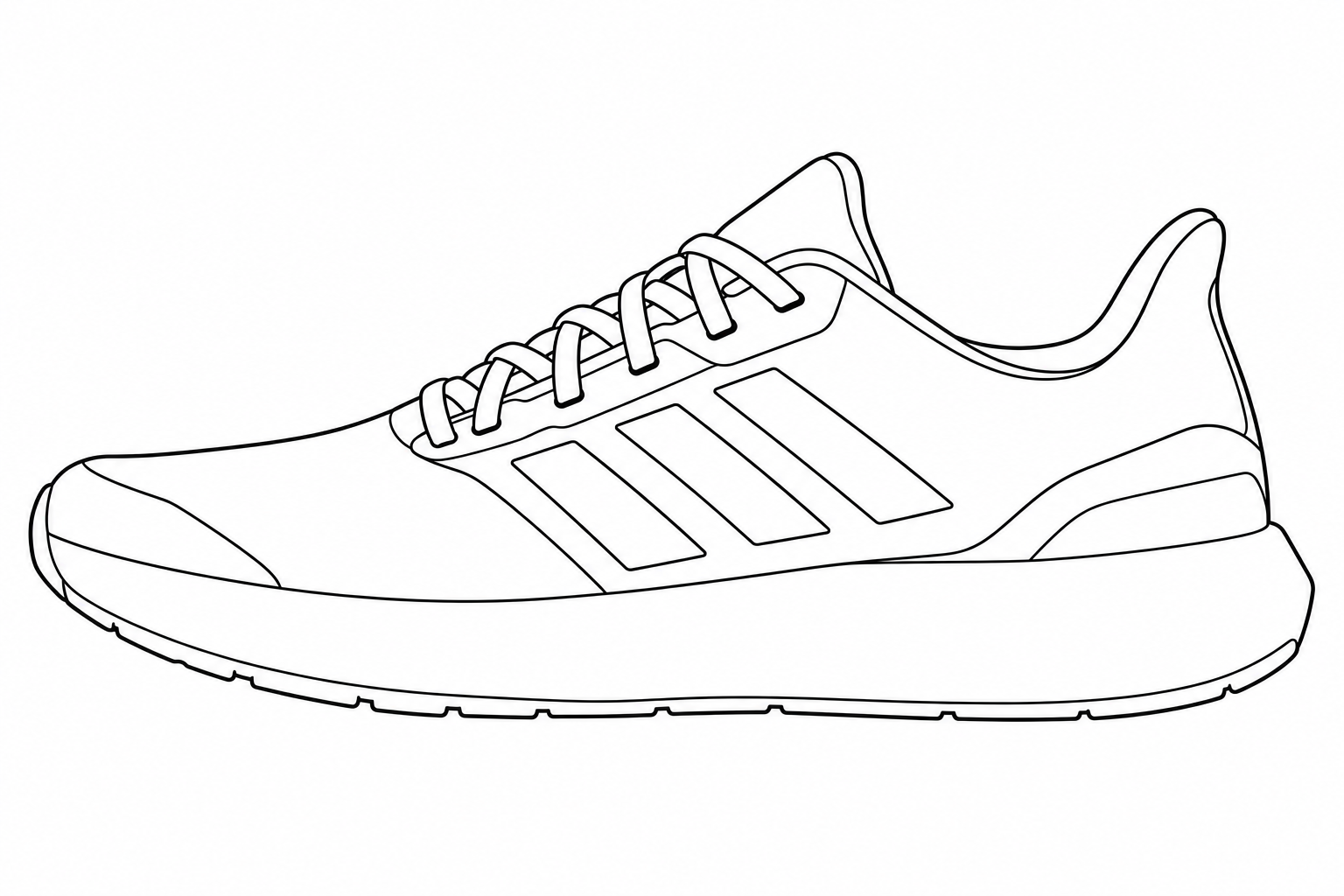
Try the live designer
Select a design, try colours or patterns, switch between four views and download your result.
Explore the runner studyKicks helps you communicate the appearance of a shoe: its panel colors, pattern placement, proposed materials, logos and notes. You can work from a supplied outline or import photos of a shoe you have permission to use. The editor runs in your browser; an account is optional for designing and downloading files.
Start with the first guide if you are new to the studio. If you already have a reference shoe, use the photo guide to prepare its views. Before approaching a developer or manufacturer, read the export guide so you can explain which details are decided and which still need development.
No. You can design and use Save file without signing in. Save design stores work in an account so you can reopen it on another device. Browser-only photo sets are tied to that browser and may be lost if its storage is cleared.
No. The material selector records an intention for a filled region. It does not predict texture, stretch, weight, durability or manufacturing feasibility. Request a physical swatch and a sample before committing to production.
The export is a concept reference. A footwear developer must still resolve dimensions, lasts, patterns, grading, construction, components and testing. Use the export to begin that discussion, and ask the intended manufacturer which technical documents it requires.
Essential storage keeps sign-in and your designs working. Optional Google Analytics helps us understand how the site is used. It stays off unless you allow it. Read about cookies.